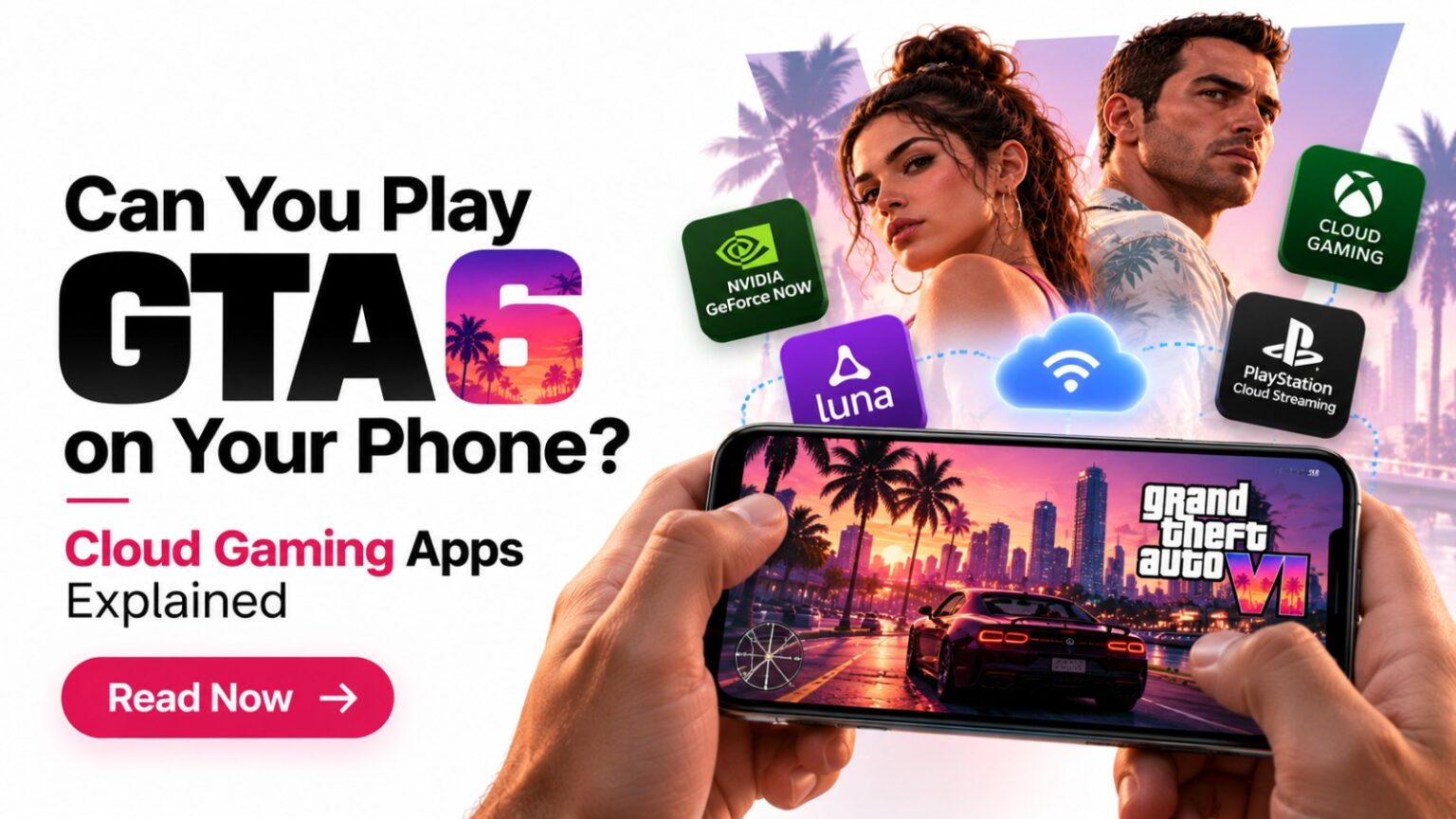
Whenever a generation-defining title nears launch, mobile gamers inevitably ask the million-dollar question: Can you play GTA 6 on your phone? With modern smartphones boasting desktop-class OLED display panels, low-latency 5G modems, and console-grade chipsets, the dream of exploring Rockstar’s hyper-detailed state of Leonida straight from your palm sounds tempting. But because Grand Theft Auto VI is built exclusively for current-generation flagship consoles—with native mobile APK installations completely out of the equation—the conversation naturally shifts toward streaming technology.
Can cloud gaming apps, server racks, or console streaming actually bridge the gap and deliver a responsive GTA 6 experience to your smartphone screen?
The short answer is nuanced: you cannot run the game natively, nor can you expect day-one support from every popular cloud subscription. However, by leveraging local and cloud-based streaming platforms, taking the game on the go is entirely achievable if you understand how these services operate, what hardware is mandatory, and where the performance bottlenecks lie. Here is the complete breakdown of how cloud gaming apps handle GTA 6, how they differ from remote play, and what steps you need to take to prepare your mobile setup.
Can You Play GTA 6 on Your Phone? The Reality Behind Cloud Streaming
To settle the core question immediately: yes, you can play GTA 6 on your phone, but strictly through video streaming, not direct local installation.
When you play a modern AAA game on mobile via the cloud or a remote stream, your smartphone is not processing 3D geometries, rendering complex volumetric weather, or calculating real-time ray-traced lighting. Instead, an external machine—either a multi-thousand-dollar cloud data center blade or your own home console—executes the game code. Your phone simply functions as an interactive video monitor: it receives an encoded video feed over the internet and beams your controller inputs back in milliseconds.
Understanding this distinction is vital. If an app, Telegram channel, or website promises that you can download GTA 6 straight into your phone storage without any streaming infrastructure, it is distributing deceptive files. We have already covered this in detail in our complete GTA 6 APK download for Android reality check, which breaks down the severe security risks associated with fraudulent installer packages. Genuine mobile gameplay relies 100% on high-bandwidth streaming protocols.
Cloud Gaming vs. Remote Play: What Is the Difference?
Gamers frequently mix up cloud gaming and remote play, but from an infrastructure and licensing perspective, they operate completely differently:
| Feature | Pure Cloud Gaming (XCloud, GeForce NOW) | Console Remote Play (PS Remote Play, Xbox App) |
| Where the Game Runs | Remote commercial server racks located in regional data centers. | Your physical PS5 or Xbox Series X|S resting in your living room. |
| Console Ownership Required? | No console required; just a subscription and supported digital account. | Yes, you must own the console and purchase the game on it. |
| GTA 6 Day-One Availability | Highly restricted or unconfirmed due to publisher licensing agreements. | Confirmed functional out of the box via console system software. |
| Subscription Cost | Monthly recurring service fee ($10 – $22/month). | Completely free to use with your own hardware. |
| Network Bottleneck | Public internet hop to regional cloud server clusters. | Your home internet upload speed paired with mobile network latency. |
Will Popular Cloud Gaming Apps Support GTA 6 at Launch?
If you plan on relying entirely on cloud subscription platforms without buying a home console, the landscape requires realistic expectations:
1. Xbox Cloud Gaming (xCloud)
Microsoft’s cloud ecosystem allows Xbox Game Pass Ultimate subscribers to stream hundreds of titles directly to Android and iOS via the Xbox app or mobile browsers. While Microsoft has broadened its “stream your own game” library, Take-Two Interactive and Rockstar Games guard their commercial streaming licenses aggressively. Historically, titles like GTA V and Red Dead Redemption 2 joined cloud catalogs months or years after launch—and only on temporary licensing windows. You should not count on standalone Xbox Cloud Gaming as an unbundled, day-one replacement for owning a console.
2. NVIDIA GeForce NOW & Boosteroid
NVIDIA GeForce NOW and Boosteroid are celebrated for delivering blistering frame rates and desktop-grade graphical presets straight to mobile devices. However, both services rely fundamentally on PC digital storefronts such as Steam, the Epic Games Store, and Ubisoft Connect. Because Rockstar Games releases GTA 6 on console first with no day-one PC launch, PC-based cloud services cannot stream a game that does not yet exist on Windows.
3. PlayStation Plus Cloud Streaming
Sony offers cloud streaming for select PS5 titles under the PlayStation Plus Premium tier. While this service allows direct streaming to PS5 hardware and dedicated devices like PlayStation Portal, Sony has traditionally limited direct phone streaming primarily to PS Remote Play, rather than full-blown server-side cloud streaming to Android or iOS browsers.
How to Play GTA 6 on Your Phone Using Remote Play (Step-by-Step)
Because commercial cloud subscriptions face publisher licensing roadblocks, the absolute most reliable way to answer “Can you play GTA 6 on your phone?” is Console Remote Play. As long as your console is powered on or resting in standby mode, you can stream your game session from anywhere in the world.
Method A: PlayStation Remote Play (PS5 to Android / iPhone)
Sony’s official PlayStation Remote Play platform supports full 1080p streaming at 60 FPS, transmitting high-fidelity audio, video, and DualSense haptic feedback protocols directly to your smartphone:
- Activate Remote Play on PS5: Navigate to Settings > System > Remote Play and toggle Enable Remote Play to the ON position.
- Configure Power Settings: Head to Settings > System > Power Saving > Features Available in Rest Mode. Turn on Stay Connected to the Internet and Enable Turning On PS5 from Network.
- Install the Mobile App: Download the official PS Remote Play application from the Google Play Store or Apple App Store.
- Link Your Account: Log in using the identical PlayStation Network (PSN) credentials linked to your primary console.
- Pair Your DualSense Controller: Place your PS5 controller in pairing mode by holding the Create and PS buttons until the lightbar pulses. Open your phone’s Bluetooth settings and select Wireless Controller.
- Launch & Play: Open the app, select your console, wait 5–10 seconds for the handshake connection, and launch GTA 6 straight from your digital library.
Method B: Xbox Remote Play (Xbox Series X|S to Mobile)
Microsoft’s native remote feature routes the video feed directly from your physical console to the mobile screen without demanding a recurring Game Pass Ultimate subscription. You can follow Microsoft’s official Xbox remote play setup guide to configure port forwarding if playing over mobile data:
- Enable Remote Features: On your Xbox console, navigate to Profile & system > Settings > Devices & connections > Remote features. Check the box for Enable remote features and select Sleep under power options so the console can wake remotely.
- Setup the Xbox App: Download the standard Xbox app (not the Game Pass app) on your mobile device and sign in with your primary Microsoft account.
- Connect a Gamepad: Pair an Xbox Wireless Controller via Bluetooth to your Android device or iPhone.
- Establish the Stream: In the top right corner of the mobile app, tap the Consoles icon, select your machine, and hit Remote play on this device.
Technical & Network Requirements for Lag-Free Mobile Gaming
Streaming an intense open-world game filled with fast vehicular chases, precision shooting, and dense environmental details requires clean network fidelity. Without meeting baseline bandwidth criteria, your gameplay will suffer from compression artifacts, frame drops, and frustrating input delay.
[ Home Console (Hardwired Ethernet) ]
                │
         (Fiber / 5G Web)
                │
                ▼
[ 5 GHz Wi-Fi Router / 5G Tower ]
                │
      (Ultra-Low Latency)
                │
                ▼
[ Smartphone Screen + Physical Gamepad ]
1. Connection Speeds (Download & Upload)
- Minimum Requirement: 15 Mbps download and 10 Mbps upload.
- Optimal Setup: 50+ Mbps download with symmetrical upload speeds. Remember: your home console’s upload speed is just as critical as your smartphone’s download speed, because your console is actively broadcasting high-resolution video out to the web.
2. Wi-Fi Bandwidth: 5 GHz vs. 2.4 GHz
Never stream real-time action games over legacy 2.4 GHz Wi-Fi frequencies. 2.4 GHz bands are congested by household appliances, smart gadgets, and neighbor networks, introducing heavy jitter and latency spikes. Always connect your smartphone to a dedicated 5 GHz or Wi-Fi 6 / 6E band, and keep your console connected via a physical Cat 6 Ethernet cable.
3. Latency (Ping) Benchmarks
- Under 25 ms: Flawless experience indistinguishable from native play.
- 25 ms – 50 ms: Smooth and fully playable; minor delays during fast-paced drift mechanics.
- Over 75 ms: Noticeable input lag; aiming reticles will feel sluggish and driving at high speeds becomes difficult.
Best Mobile Hardware & Controller Accessories for GTA 6
Attempting to control a multi-layered open-world game using transparent touchscreen overlays is a recipe for frustration. Digital buttons cover up cinematic visuals and lack physical travel, making precise driving and gunplay nearly impossible.
To transform your phone into a true handheld gaming machine, consider these gear recommendations:
1. Dedicated Mobile Wrap-Around Gamepads
Telescopic controllers clamp directly around your smartphone, plugging straight into the USB-C or Lightning port for zero Bluetooth input latency:
- Backbone One (PlayStation / Standard Editions): Ergonomic, lightweight, and features pass-through charging and a 3.5 mm headphone jack.
- Razer Kishi V2 / Ultra: Premium microswitch buttons, analog triggers, and expandable clamp designs that accommodate larger phones with protective cases.
- GameSir G8 Galileo: Features full-sized console-grade hall-effect joysticks that prevent stick drift over extended play sessions.
2. Capturing and Sharing Mobile Gameplay
Many mobile gamers use remote play sessions to record clips, high-speed chases, and funny sandbox bugs to share online. If you like compiling your remote play moments into vertical content for YouTube Shorts or Instagram Reels, pairing your setup with the best video editing apps for mobile allows you to trim clips, overlay audio, and reframe horizontal footage into vertical 9:16 reels directly on your phone.
For families looking to manage healthy digital boundaries and monitor device permissions while younger gamers set up their mobile game streams, check our breakdown of parental control apps for screen time and device protection.
The Pros and Cons of Playing GTA 6 on Mobile
| Advantages | Trade-offs & Limitations |
| Ultimate Portability: Play anywhere from your bed, balcony, or on high-speed 5G mobile networks. | Heavy Data Consumption: 1080p 60 FPS video streaming burns through 2.5 GB to 4 GB of data per hour. |
| Zero Mobile Storage Used: No need to free up 150+ GB of internal phone memory. | Input Latency: Inevitable minor lag compared to an OLED TV connected with an HDMI 2.1 cable. |
| Full Fidelity Experience: Enjoys the complete console lighting, crowd densities, and physics intact. | Screen Scaling: Complex UI text, miniature radar icons, and distant sniper targets can appear tiny on a phone display. |
When you find yourself traveling, dealing with high mobile data rates, or stuck with an unreliable internet connection where streaming an intensive AAA game isn’t practical, playing lightweight offline mobile puzzle games is a much better way to pass the time without battery drain or stuttering video streams.
Final Verdict: Is Streaming GTA 6 on Mobile Worth It?
When asking, can you play GTA 6 on your phone?, the technical answer is a resounding yes—provided you use verified console remote streaming apps rather than falling for internet scams or expecting third-party cloud libraries to host the title on day one.
With your PlayStation 5 or Xbox Series X|S hardwired at home, a 5 GHz local Wi-Fi or reliable 5G connection, and a quality physical mobile gamepad, your smartphone transforms into an astonishingly capable portable Vice City portal. Skip the fraudulent APK links, set up your console’s remote access in advance, and you will be ready to explore Leonida wherever you have an internet connection.